


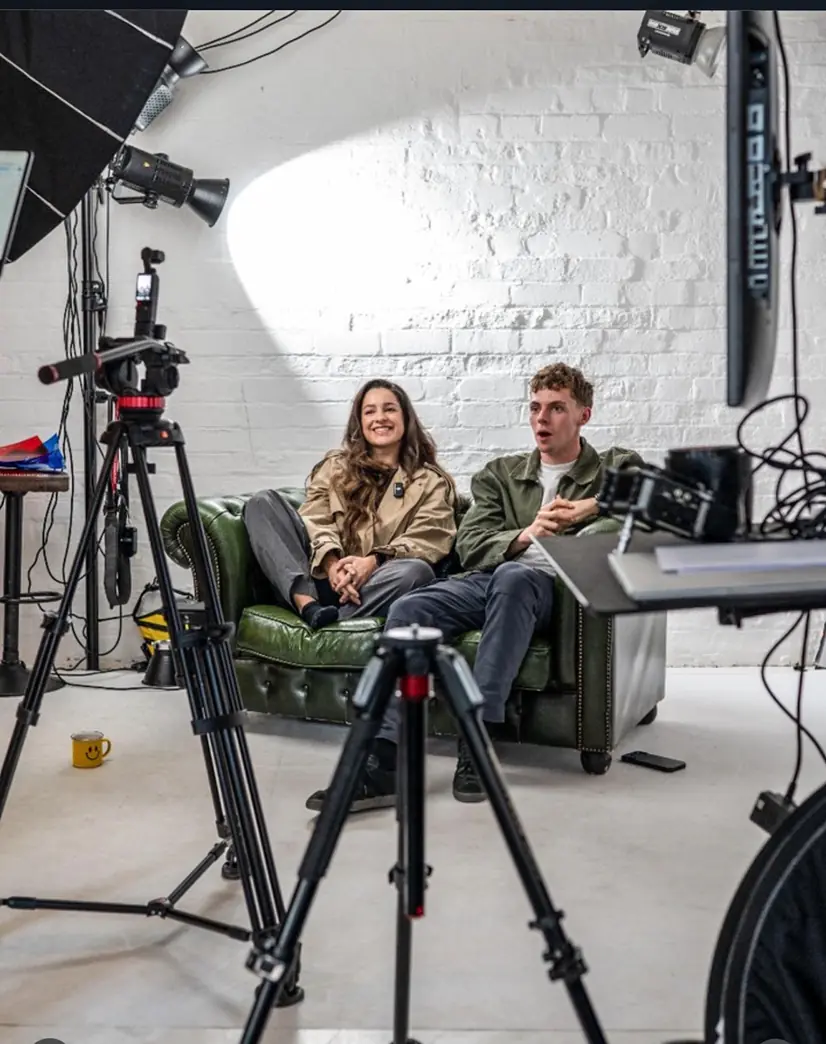
If your audience is spread across more than one platform, multi-platform streaming lets you go live once and reach all of them at the same time. The quickest way in is a cloud relay service that takes a single upload and forwards it to every destination you choose. Running a local encoder gives you more control but eats far more bandwidth. And before you press go on anything with music playing, check the UK licensing rules — broadcasting a commercial track without the right licence is one of the most common mistakes we see.
We have spent a lot of hours in our Leeds studio setting up cameras, audio and tethered workflows for people who then need the result to go out live. This guide is the checklist we would hand you before a broadcast.
Dock Street Studio offers flexible studio hire and production kit for shoots and live sessions, so if your next stream needs more than a laptop and good Wi-Fi, we can help with that too.
What this guide covers
- What multi-platform streaming is and why creators use it
- How multistreaming actually works
- Which platforms and formats to check first
- How to choose the right setup
- Setting up your first multistream, step by step
- Music and copyright for UK creators
- Studio habits that make any stream more reliable
- Monetisation across platforms
- Why it matters for your business model
- Studio hire for bigger multistream events
- Sources
- Frequently asked questions
What multi-platform streaming is and why creators use it
Multi-platform streaming, sometimes called multi-destination streaming, means broadcasting one live video to several platforms at once — YouTube, Facebook, LinkedIn, TikTok, Twitch, wherever your audience actually watches. Rather than picking one home and hoping everyone follows you there, you meet people where they already are.
The upside is fairly plain:
- Wider reach without duplicating the production effort for each platform.
- More than one income stream, because each platform monetises differently.
- Protection against platform risk. If one algorithm change or policy shift flattens your reach on a single site, you are not left with nothing. Many UK creators now treat LinkedIn, X and TikTok as distinct professional channels rather than mirrors of each other.
It can backfire, though. Streaming identical content everywhere splits your chat and your community, and some platforms restrict simultaneous broadcasting through exclusivity clauses. If your audience is genuinely concentrated in one place, multistreaming adds complexity for very little gain. We would rather you knew that up front.
How multistreaming actually works
There are two technical routes, and the choice shapes everything downstream.
- Cloud relay. You send one upload from your laptop or encoder to a relay provider, which forwards that single stream to each connected destination. It is the lower-bandwidth option because your upload only happens once, however many platforms you target.
- Local or RTMP forwarding. Your encoder (OBS, vMix or similar) sends a separate RTMP stream to each destination directly, or through a self-hosted relay server. You get tighter control over per-platform bitrate and quality, but your upload bandwidth multiplies with every extra destination.
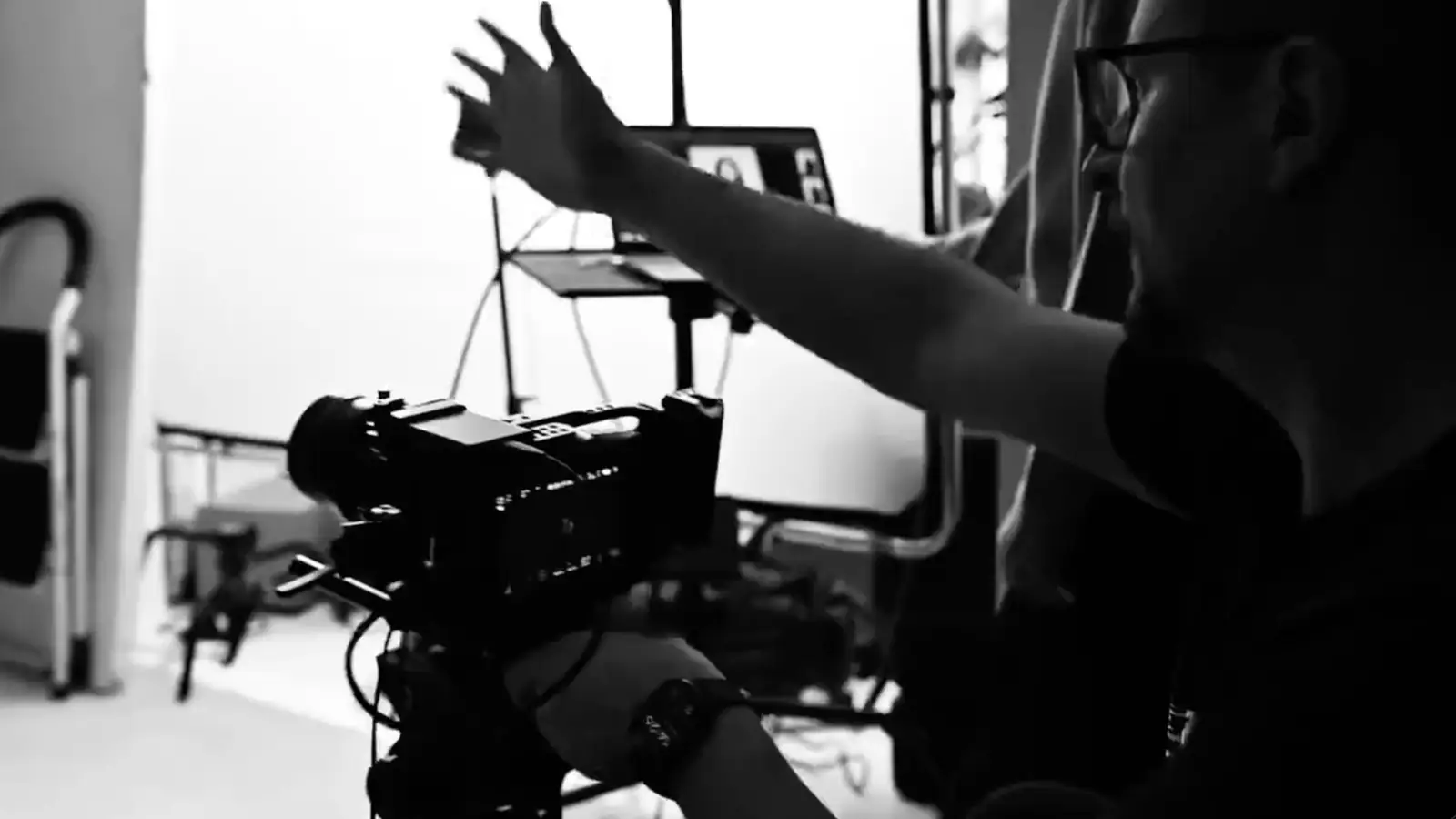
Latency and bitrate both need attention. Cloud relay adds a small amount of delay because of the forwarding hop, which matters if you are running live Q&A across platforms with different chat speeds. If you want landscape and portrait outputs running at the same time (YouTube 16:9 and TikTok 9:16, say), you generally need either dual encoder outputs or a service that supports multi-aspect delivery. A single feed cannot be reframed on the fly.
Our tip: run a five-minute private test stream to every destination before any real broadcast. It catches wrong resolutions and dead RTMP keys while nobody is watching.
Which platforms and formats to check first
Not every destination behaves the same way, so audit before you commit.
- Long-form hosts (YouTube, Twitch) generally accept horizontal 16:9 at higher bitrates and longer session lengths.
- Social short-form (TikTok Live, Instagram, Facebook) often expects vertical 9:16 and may cap session length or resolution.
- Embeds on your own site or a landing page usually pull from whichever platform hosts the master feed, so check embed permissions in advance.
Authentication varies too. Some platforms use account connections that renew automatically, while others issue an RTMP stream key that can expire or reset without warning. A few issue single-session tokens, which means reconnecting after any interruption needs a fresh key rather than the old one.
How to choose the right setup
Start by deciding what matters most for this particular broadcast: raw reach, low technical friction, top-tier quality or tight moderation control. Those priorities pull in different directions, and trying to satisfy all four at once usually means satisfying none of them well.
Once you know the priority, run it against a practical checklist:
- Your actual upload speed — tested, not assumed.
- The simultaneous-destination cap on your chosen service or encoder.
- Whether you need aggregated chat, or can manage several chat windows by hand.
- Whether you need a local recording as backup, separate from platform-side capture.
- Your budget, since free tiers usually cap destinations or watermark the output.
Rather than guessing which platforms deserve your effort, pilot a small mix first and measure retention and engagement per destination before scaling up. Sector research from Simon-Kucher points to rising UK appetite for live content, which makes that testing worthwhile rather than optional.
Setting up your first multistream, step by step
- Pre-flight check. Test your upload bandwidth, run a camera and microphone check, and decide your aspect ratios and scene layouts before you open any streaming software.
- Cloud route. Connect each platform account through your relay service, pick destinations, set a scene profile per platform if aspect ratios differ, run a private test, then go live to everything at once.
- Encoder route. Configure OBS or an equivalent with an RTMP output per destination, or route through a self-hosted relay. Test each destination individually rather than assuming one working feed means they all work. Turn on local recording as a backup.
- On the day. Assign someone to moderate chat across platforms, brief your team on the expected delay per platform, and agree in advance whether clips get republished afterwards or left alone.
Skipping the private test is the single most common reason a broadcast starts with a black screen on one platform while the others run fine.
Music and copyright for UK creators
UK law normally requires a licence to broadcast live or recorded music, whether someone is performing in the room or you are playing a file during the stream.
Under UK law you must normally secure a licence to broadcast live or recorded music. PPL PRS now issues a single combined licence covering many professional streaming and broadcast uses, so you no longer deal with separate rights bodies.
Depending on how and where you operate, you may also need to check licences for using music online or on mobile, since requirements can shift with local authorities and the bodies involved.
The reliable fix is simple: use royalty-free libraries, tracks explicitly cleared for streaming, or licensed library music rather than commercial recordings. If someone clips or re-embeds your stream elsewhere afterwards, that republication can trigger a separate licensing requirement, so keep clip permissions explicit in your own terms.
Studio habits that make any stream more reliable
We apply the same discipline to every shoot at Dock Street: a clear brief and shot list agreed before anyone touches a camera, which prevents the kind of live scrambling that ruins a broadcast. That pre-flight thinking transfers directly to multistreaming.
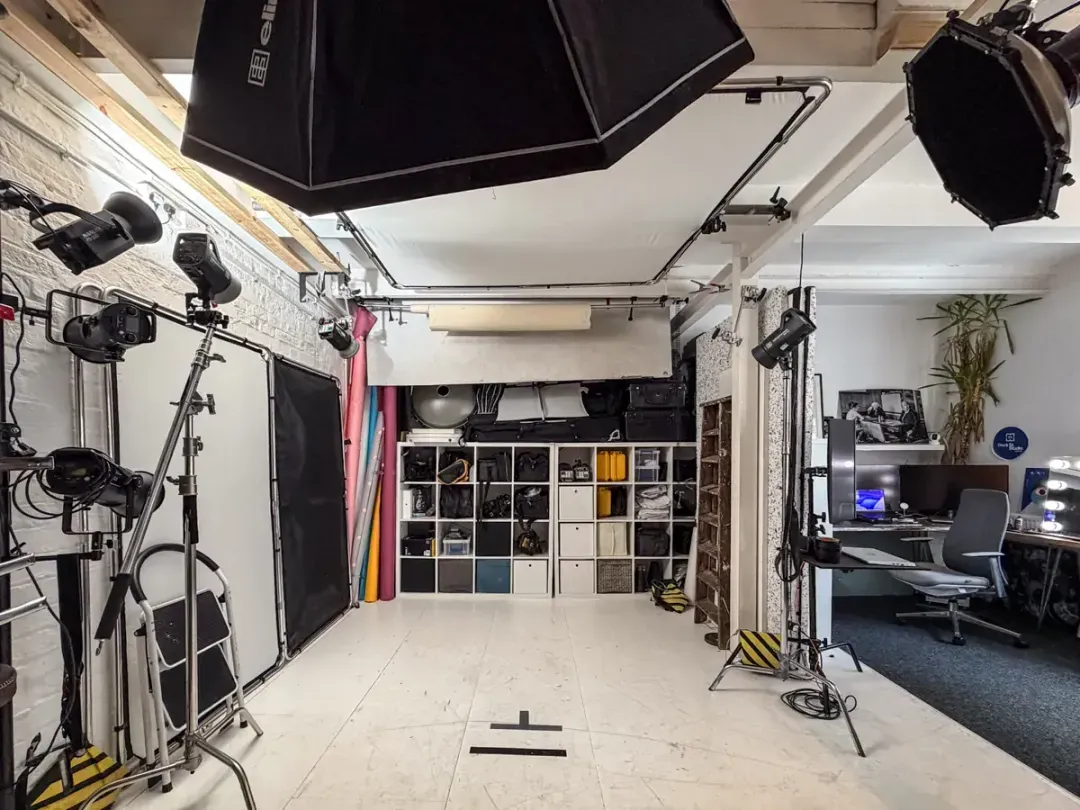
- Confirm your brief and running order before you go live, not while you are live.
- Keep a simple equipment checklist: mix-minus audio routing, a backup recorder, and a second person watching chat and feeds if you have the crew.
- Rehearse the actual scene switches once, at real speed, not just in your head.
- Test your routing to every destination the day before, not five minutes before.
These habits scale down neatly for a solo creator working from a spare room. Our video podcast production guide covers the equipment side in more depth, and our content studio page shows the space most people use for this kind of work.
Monetisation across platforms
Each platform monetises live content differently, so multistreaming means juggling several rule sets at once rather than mastering one.
YouTube offers Super Chat, channel memberships and ad revenue on eligible live content, but eligibility thresholds apply per channel, not per stream. Twitch runs on subscriptions, bits and ad breaks, with its own partner requirements. Facebook and Instagram lean on Stars and, for eligible pages, in-stream ads. TikTok Live relies heavily on virtual gifts converted to diamonds, with its own payout thresholds and follower minimums.
The constraint most creators miss: many platforms restrict or void monetisation if they detect identical simultaneous content being paid for elsewhere, or if exclusivity terms in a partner programme conflict with multistreaming itself. Read your partner agreement on any platform where you already earn money before adding it to a multistream setup, not after.
Sponsorships sit outside individual platform rules and often work better across a multistream, since one live segment reaches several audiences at once and gives a sponsor broader coverage from a single booking. That flexibility is part of why industry research frames multistreaming as central to how creators now operate as professionalised businesses rather than as a technical add-on. If you work mainly in music, guides on promoting music across platforms cover the distribution side.
Whatever the mix, treat each platform’s payout threshold and eligibility rule as a live constraint rather than a one-off check. Rules change, and a setup built around last year’s thresholds can quietly stop paying out on one destination while the others carry on.
Why it matters for your business model
Multistreaming is risk management first and a growth tactic second. Platforms change algorithms and policies without warning, and spreading your live presence across several destinations means no single decision by one company can end your income overnight. The mistake is treating every platform as equally worth your time. Pick destinations your data actually supports, measure what each one returns, and drop what does not earn its place.
Studio hire for bigger multistream events
Cloud relay and a decent encoder cover most solo creators perfectly well. But some broadcasts need more than a spare room and good Wi-Fi: a multi-camera panel discussion, a product launch streamed live to three platforms, or a podcast recording that also needs to go out live. That is where studio hire earns its cost.
A big part of the value is the planning that happens before anyone presses record — brief and shot list agreed, cameras and audio tested, routing checked to every destination. Our content, podcast and video studio comes with kit already in place, and studio hire ranges from a straightforward dry hire to a full day with crew if you need a runner or a second operator. If you are broadcasting from a live event rather than the studio, our event photography team can cover stills alongside the stream. You can read what previous clients have said on our reviews page.
Sources
- GOV.UK — licence to play live or recorded music
- Rebuilding TV in the creator era: UK video consumption and creation — MIDiA Research
- The rise of the UK creator entrepreneur — The Drum
- From growth to gains: UK streaming enters its next chapter — Simon-Kucher & Partners
Frequently Asked Questions
What is the best multi-streaming platform?
There is no single best option. It depends on how many destinations you need, your budget, and whether you value aggregated chat or per-platform quality control. Match the service to your checklist rather than a generic ranking.
Is there a service that combines all streaming platforms into one?
Cloud relay services combine the upload side by sending one feed to several destinations at once, but nothing merges the platforms themselves. You still manage separate accounts, chats and monetisation rules.
What is the best free multi-platform streaming service?
Most reliable services offer a free tier, but they usually cap simultaneous destinations, limit resolution or watermark your output. Test the free tier against your real destination count before relying on it.
Which platforms do creators multistream to most often?
YouTube, Twitch, Facebook, Instagram and TikTok Live are the five most common destinations, each with its own aspect ratio expectations and monetisation rules covered above.
Do I need a licence to play music during a live stream in the UK?
In most cases, yes. UK law requires a licence to broadcast live or recorded music. Royalty-free or cleared library tracks are the simplest way to stay on the right side of it.
Can I hire a studio in Leeds for a live multistream?
Yes. Dock Street Studio is in central Leeds near Leeds Dock, a short walk from the train station, with onsite parking. Get in touch with your dates and destinations and we will tell you what the space and kit can cover.
Ready to plan your next live broadcast?
If your next multistream needs a proper set, tested kit and someone who has done the pre-flight a few hundred times, we would be glad to help. Book online, email hello@dockstreetstudioleeds.co.uk or call 0113 4400102.
Related reading
- Hiring a professional studio for content creation
- Video podcast production: how to set up a podcast worth watching
- Podcast studio hire in Leeds: video podcast production
- Content creation studio in Leeds: how to get images you’ll actually use
Written by Mark Wheelwright
Commercial photographer & studio owner, Leeds | ISO Photographic Ltd
Dock Street Studio, Unit 9, 30–38 Dock Street, Leeds LS10 1JF
18+ years’ experience | 900+ projects | 300+ five-star reviews | 1M+ shutter count
dockstreetstudioleeds.co.uk
Shot, written and built by the Dock Street team
Every guide on this blog comes from the team at Dock Street Studio — Mark behind the camera with 18+ years' experience, Nicole on styling and lighting, Beya on video and bookings and Austin keeping the site fast and findable. If you'd rather have us do it than read about it, book a session or explore our photography services in Leeds.