


A teleprompter should make you look more natural on camera, not less. Yet most prompted videos that feel stiff come down to the same few causes: text sitting too far from the lens, a script written for the page rather than the mouth, and settings nobody tested before pressing record. The good news is that the teleprompter tips that matter most are about preparation, not kit.
We run a lot of presenter-led video sessions at our content studio in Leeds, and the pattern is consistent. The people who look relaxed on camera are rarely the most experienced presenters — they're the ones who rehearsed out loud and set the prompter up properly. Here's how to do both.
Teleprompter tips you can apply before your next take
- Check the sightline: the text should sit directly in front of or immediately around the lens, not off to one side.
- Set font size and scroll speed during a real rehearsal, not from a default preset.
- Agree who controls the scroll — you, an app or an operator — and how they'll follow your pace.
- Rewrite stiff sentences into something you'd actually say out loud, in short lines with natural pauses.
- Do one full rehearsal at recording pace, then a short test with the camera rolling.
Most prompter problems trace back to one of those being skipped rather than to a hardware fault. The rest of this post works through each in turn.
Put the text as close to the lens as you can
The single biggest factor in whether a prompted read looks natural is how close the text sits to the lens. The further your eyes travel from the glass to the words, the more visible the scroll becomes. Autocue's presenting guidance is built around exactly this: text as near the lens as physically possible, with everything else calibrated in rehearsal rather than set by rule.
On a DSLR or mirrorless rig, a beamsplitter with the screen mounted over the lens keeps that gap to a few centimetres. On a phone or tablet prompter, the hood sets the distance for you. Either way, keep the glass clean — any smear or reflection shows up in a focus test — and check the rig is stable before every take, because a wobbling stand reads as a shaky reflection on camera.
A quick self-check: record your rehearsal on your phone and watch it back with the sound off. If your eyes look like they're tracking left to right, the text is sitting too far from the lens.
Set font size and scroll speed in rehearsal, not from a default
There's no single correct font size or scroll speed — comfortable reading pace varies by person, by script and by how well you know the material, which is why Autocue's training deliberately avoids prescribing one. Calibrate during a real run-through with whoever is operating the prompt.
A few formatting habits help almost any script: break it into short lines of one sentence or clause; use a plain sans-serif font; size the text slightly larger than feels necessary, because big text that scrolls faster is easier to follow than small text that crawls; and leave space between paragraphs, so a pause in your delivery has a matching pause on screen.
Tell the story — don't read it
The difference between a presenter who looks like they're reading and one who looks like they're talking to you almost never comes down to hardware. It comes down to the script. A line that reads well on the page but sounds stiff out loud will look stiff on camera, however close the glass sits to the lens.
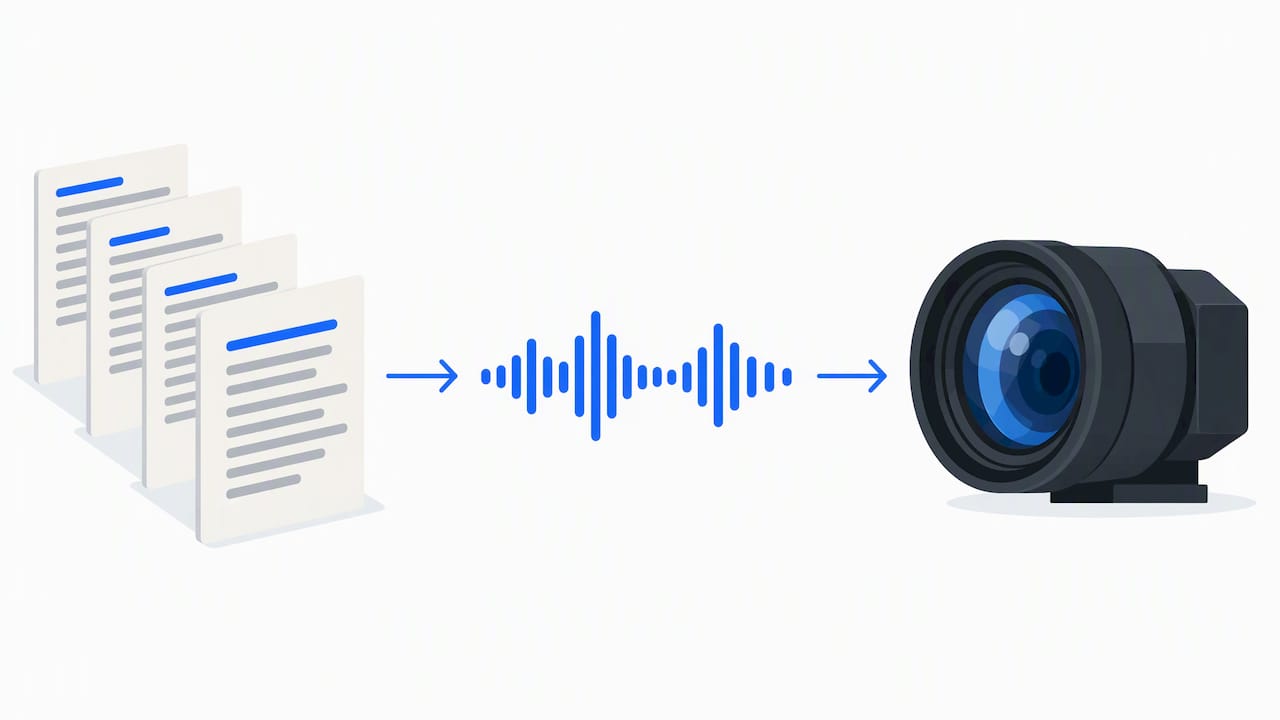
Broadcast presenters, including Maxine Mawhinney, have long made the same point: treat the script as spoken copy, not a page to recite. Edit out anything that catches in your mouth, break lines where you'd naturally breathe, and mark cues like [pause] or [smile] in the script itself rather than trying to hold tone notes in your head.
And treat the lens as a person. The camera is standing in for your audience, and talking to it rather than at it changes the whole delivery. Small, relaxed eye movements look far more human than a fixed stare — you're aiming for a believable expression, not a stock-photo version of confidence.
Rehearse like it's the real take
A prompter shoot runs smoothly when the editorial work happens before the technical work. Read the script aloud on your own first and rewrite anything that trips you up, rather than hoping you'll manage it on the day. Then agree the control method for the scroll and how it will follow your pace.
Bectu's production guidance places prompter operation inside a wider crew workflow: a named operator, agreed working practices, and a rig tested before anyone presses record. For a solo creator that might just be you and one other person, but the principle holds — someone owns the scroll, and you rehearse together, not separately.
For most short sessions, 20 to 30 minutes of combined script and technical rehearsal is realistic; scripts with names, numbers or technical terms need longer. If you're memorising sections rather than reading them, line memorisation techniques built for performers help bridge the gap, and our self-tape setup guide covers similar single-presenter rigs if you're working alone.
Choose a setup that matches the shoot
Teleprompter setup guidance points the same way we would: match the rig to the production, not the budget to the biggest option. Camera-mounted beamsplitters suit conventional talking-head video where a polished finish matters. Tablet and phone prompters are the practical, lower-risk option for solo creators moving between locations. Full studio autocue systems earn their keep on multi-camera and live productions, where an operator runs the scroll and presenters switch cameras mid-take.
A single presenter talking into one camera rarely needs a studio autocue system — and a live multi-camera interview rarely works well on a tablet clipped to one rig. Neither is automatically better; it depends on the job.
Lighting, sound and the glass itself
A prompter sits between you and the lens, which changes a few things. Keep your mic close without crossing into frame. Light your face so your eyes stay visible — hard light from directly above casts them into shadow exactly where the audience reads your expression, and our podcast lighting setup guide works just as well for prompter shoots. Angle the glass slightly to kill reflections, and check focus with the glass in place, because beamsplitters can make autofocus hunt.
Then record thirty seconds with the full rig built, lights on and mic live, and watch it back on a proper screen. Reflections and focus problems that hide on a small preview monitor show up quickly at full size.
How we run teleprompter shoots at Dock Street Studio
Every video session here starts with a pre-shoot chat about the script, the shot list and exactly how the prompt will be controlled, so studio time goes into delivery rather than troubleshooting cables. On the day we run a quick technical check — sightline, font size, scroll speed — and a short rehearsal before recording anything. Don't feel you need to arrive knowing how it all works; that's our job.
If you'd rather focus on the read than wrestle a rig, our content studio is set up for talking-head video, interviews and podcasts, and studio hire gives you the fully equipped space by the half day or full day, with the option of adding a crew member who can run the prompt for you.
Frequently Asked Questions
What are the most important teleprompter tips for beginners?
Put the text as close to the camera lens as possible, rewrite the script so it sounds like you talking, and set font size and scroll speed during a real rehearsal with whoever is operating the prompt. Those three habits fix most problems before they happen.
How do you read a teleprompter without obvious eye movement?
Keep the text as close to the lens as your rig allows — distance between the glass and the camera is the main cause of visible eye shift. Short lines broken at natural pauses, read with a soft, relaxed focus, also help the read look human rather than mechanical.
Do most creators use a teleprompter for video?
Teleprompters are widely used across presenter-led formats, from interviews to talking-head content, because they let you hold eye contact with the lens while delivering a longer or more precise script. Most creators pair one with conversational script edits so the read doesn't sound stiff.
How do you use a teleprompter while recording a video?
Set the prompter so the script sits directly over or around the lens, rehearse aloud at your natural pace, and agree how the scroll will be controlled during the take. A short test recording before the real thing catches focus, framing and readability problems early.
Where can I record teleprompter video in Leeds?
Our studio is at Unit 9, 30–38 Dock Street, Leeds LS10 1JF — central Leeds, a short walk from the train station, with onsite parking. Book online or call 0113 4400102 and we'll talk your session through properly.
Sources
Book a video session in Leeds
If you want the technical side handled so your rehearsal time goes into the read, come and see us — we can talk your shoot through properly over a brew. Book online, email mark@isophotographic.org, or call 0113 4400102.
Written by Mark Wheelwright
Commercial photographer & studio owner, Leeds | ISO Photographic Ltd
Dock Street Studio, Unit 9, 30–38 Dock Street, Leeds LS10 1JF
18+ years' experience | 900+ projects | 300+ five-star reviews | 1M+ shutter count
dockstreetstudioleeds.co.uk
Shot, written and built by the Dock Street team
Every guide on this blog comes from the team at Dock Street Studio — Mark behind the camera with 18+ years' experience, Nicole on styling and lighting, Beya on video and bookings and Austin keeping the site fast and findable. If you'd rather have us do it than read about it, book a session or explore our photography services in Leeds.