


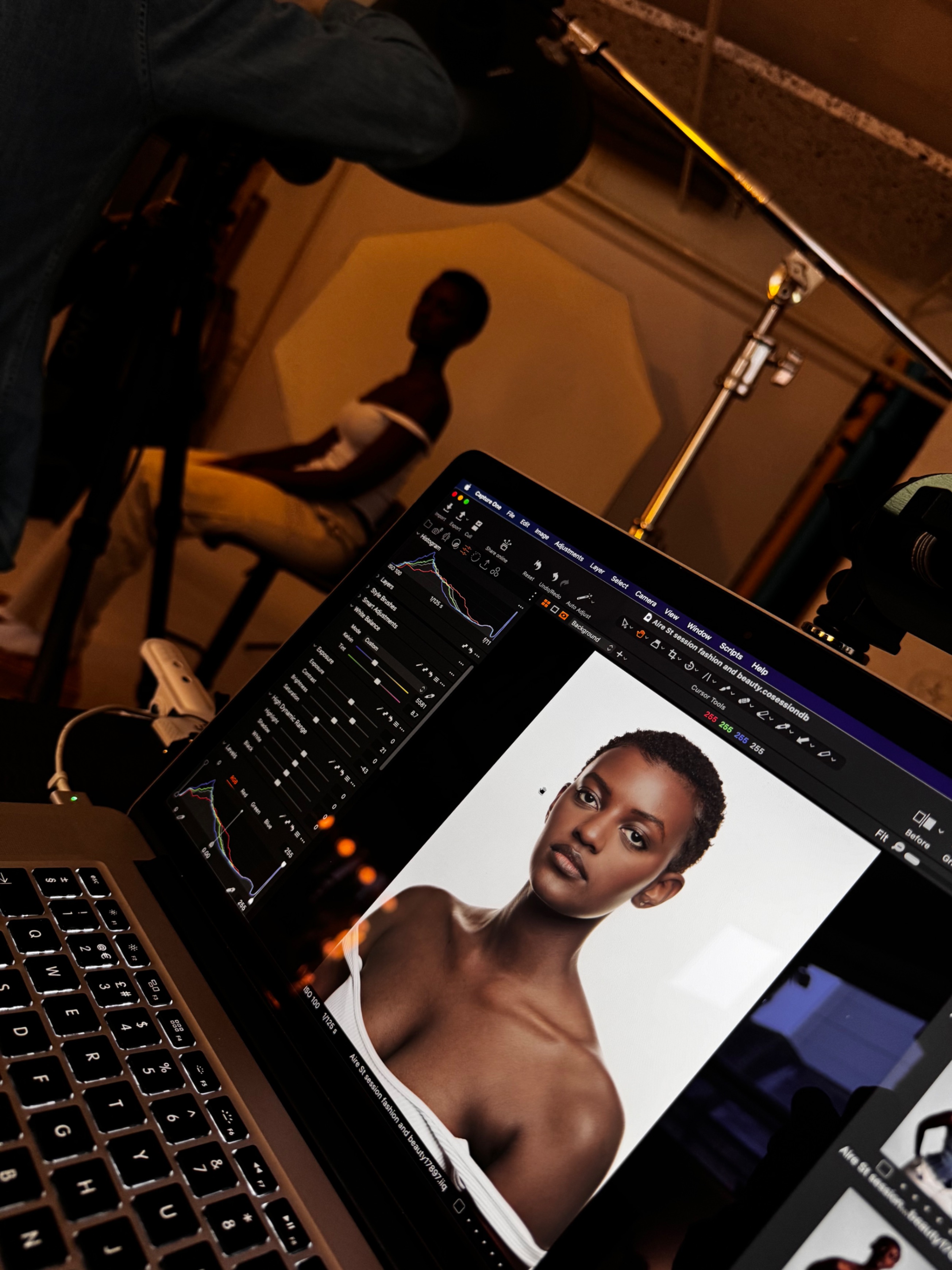
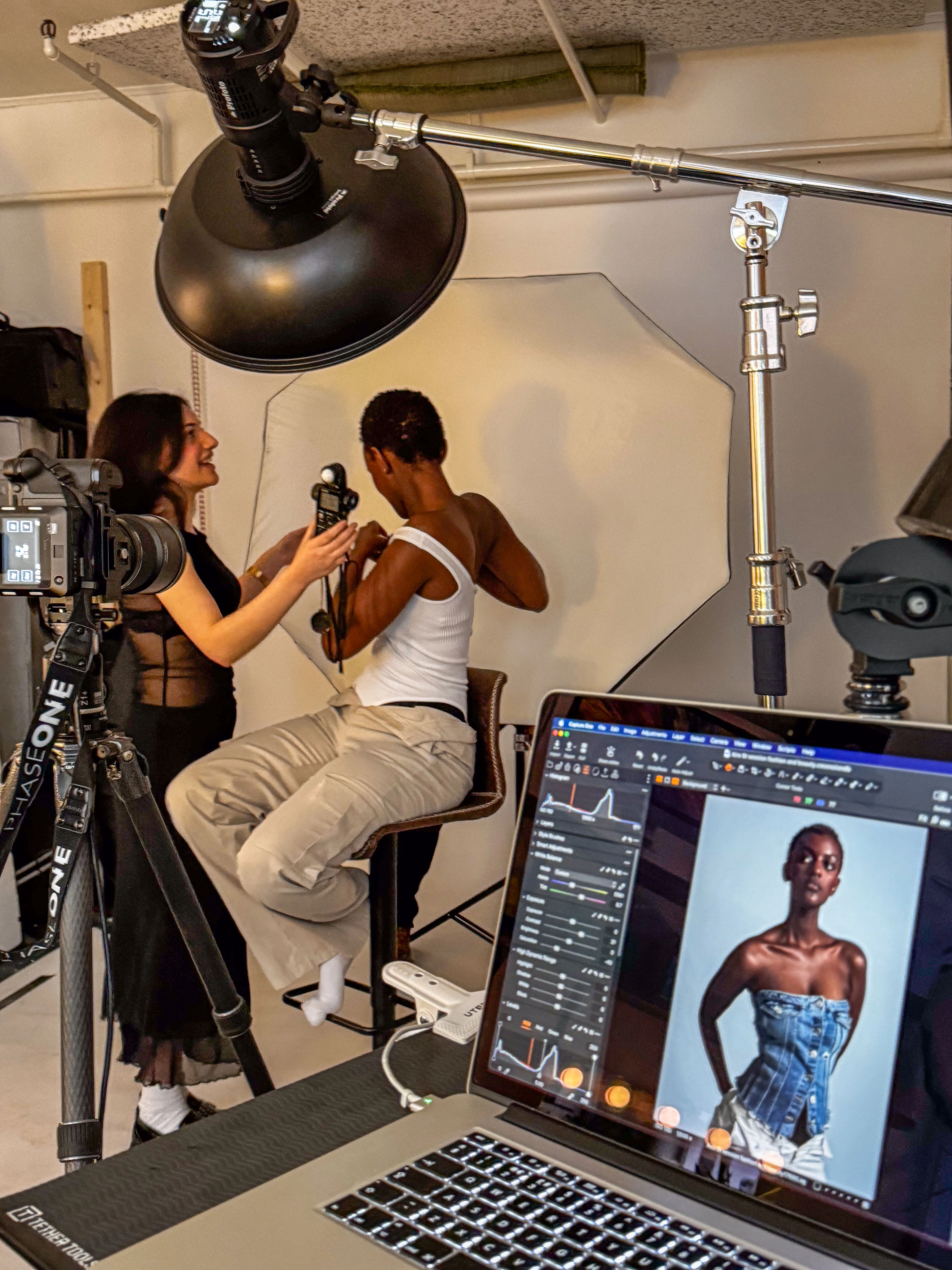
If you’ve ever shot headshots, product work, or commercial portraits in a Leeds studio, you’ll know tethering can make or break your workflow. As a photographer running Dock Street Studio in Leeds city centre, I rely on tethered Capture One sessions every week — and the Nikon Z8 has quickly become my go-to camera for both image quality and efficiency.
But one of the most common questions I hear from photographers who hire the studio is:
“Can you shoot to cards while tethered to Capture One on the Z8?”
Short answer: yes — and it’s brilliant when set up correctly.
When you’re shooting tethered, Capture One pulls each image directly to your computer for instant preview and backup. But for extra peace of mind, it’s smart to keep a second copy on the camera’s cards — especially during paid commercial sessions.
At Dock Street Studio, I use this setup all the time for corporate headshots and brand shoots. If my Mac or Capture One session crashes mid-shoot (it happens to the best of us), the files stored on the Z8’s CFexpress card have always saved the day.
How to Set Up the Nikon Z8 for Dual Recording
Here’s the exact process I use, tested across hundreds of sessions in Leeds:
- Update your firmware to version 5.20 or newer — earlier updates had unreliable tethering.
- Use a USB-C 3.2 Gen 2 cable (I recommend Tether Tools orange cables — reliable and visible).
- Set your Role Played by Card in Slot 2 → Backup so each image writes to both cards.
- Choose PC Tether under USB Connection so Capture One recognises the camera.
- Shoot RAW + JPEG Fine* – Capture One handles RAW, while the camera uses JPEGs for fast screen previews.
Now you’ll be shooting directly into Capture One and saving to both camera cards simultaneously — the perfect safety net
At Dock Street, all Capture One sessions are saved to fast SSD drives for smooth live previewing and instant image review with clients. There’s more on why we shoot tethered as standard if you want the reasoning behind the workflow.

Tethering Tips from Experience
After hundreds of shoots, these little habits make a big difference:
- Format both cards before every session — prevents file write delays.
- Create a new Capture One Session for each client job — clean and easy to archive.
- Use a tether lock (like TetherBlock or TetherGuard) to protect your camera’s port.
- If you see lag, temporarily switch your second card from Backup to Overflow during bursts.
Real-World Use: Headshots and Corporate Shoots in Leeds
When I’m photographing team portraits or personal brand headshots for Leeds businesses — whether it’s AAB, Arctic Hayes, or local charities — tethering transforms the process.
Clients love seeing their shots appear instantly on-screen. It builds confidence and lets them adjust their posture, expression, or outfit live. Meanwhile, keeping files on both cards gives me absolute confidence that no matter what, their images are safe.
That combination of speed, collaboration, and redundancy is exactly what makes tethering with the Nikon Z8 such a pro-level workflow.
Final Thoughts
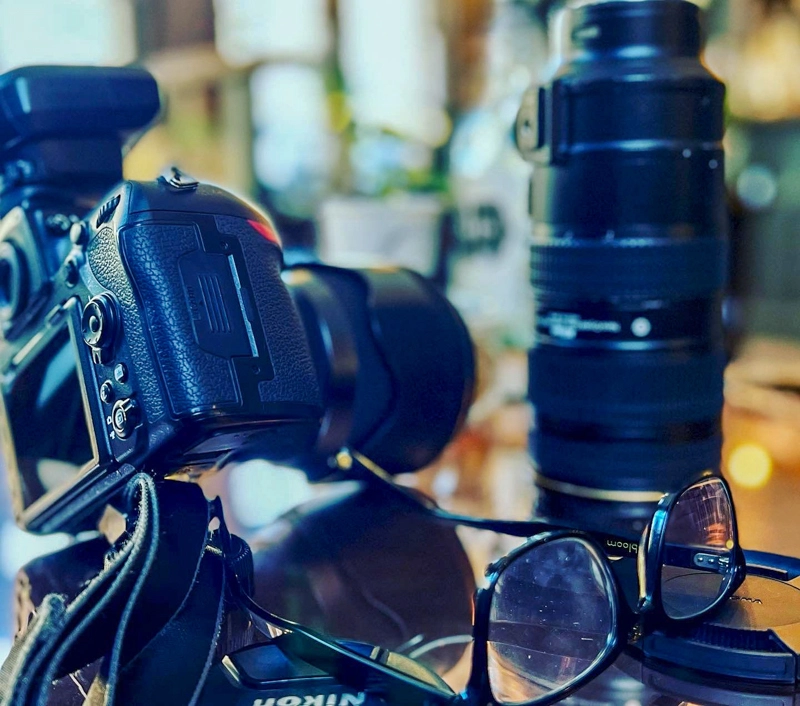
The Nikon Z8 and Capture One pairing is a powerhouse for studio photographers — especially if you’re shooting headshots, editorial portraits, or high-volume commercial work.
Shooting tethered and to cards gives you the best of both worlds: speed, reliability, and client confidence.
If you’re a photographer in Leeds looking for a professional setup to try this workflow, come and hire Dock Street Studio. We’re fully equipped for tethered Nikon, Canon and Sony workflows, with Mac workstations, Elinchrom lighting, private client spaces, and fast Wi-Fi for live previews. Hire starts at £125 for two hours, and there’s a studio hire checklist covering what to confirm before you book.
Shooting content rather than stills? The content studio is set up for video and social work in the same building.
Shot, written and built by the Dock Street team
Every guide on this blog comes from the team at Dock Street Studio — Mark behind the camera with 18+ years' experience, Nicole on styling and lighting, Beya on video and bookings and Austin keeping the site fast and findable. If you'd rather have us do it than read about it, book a session or explore our photography services in Leeds.